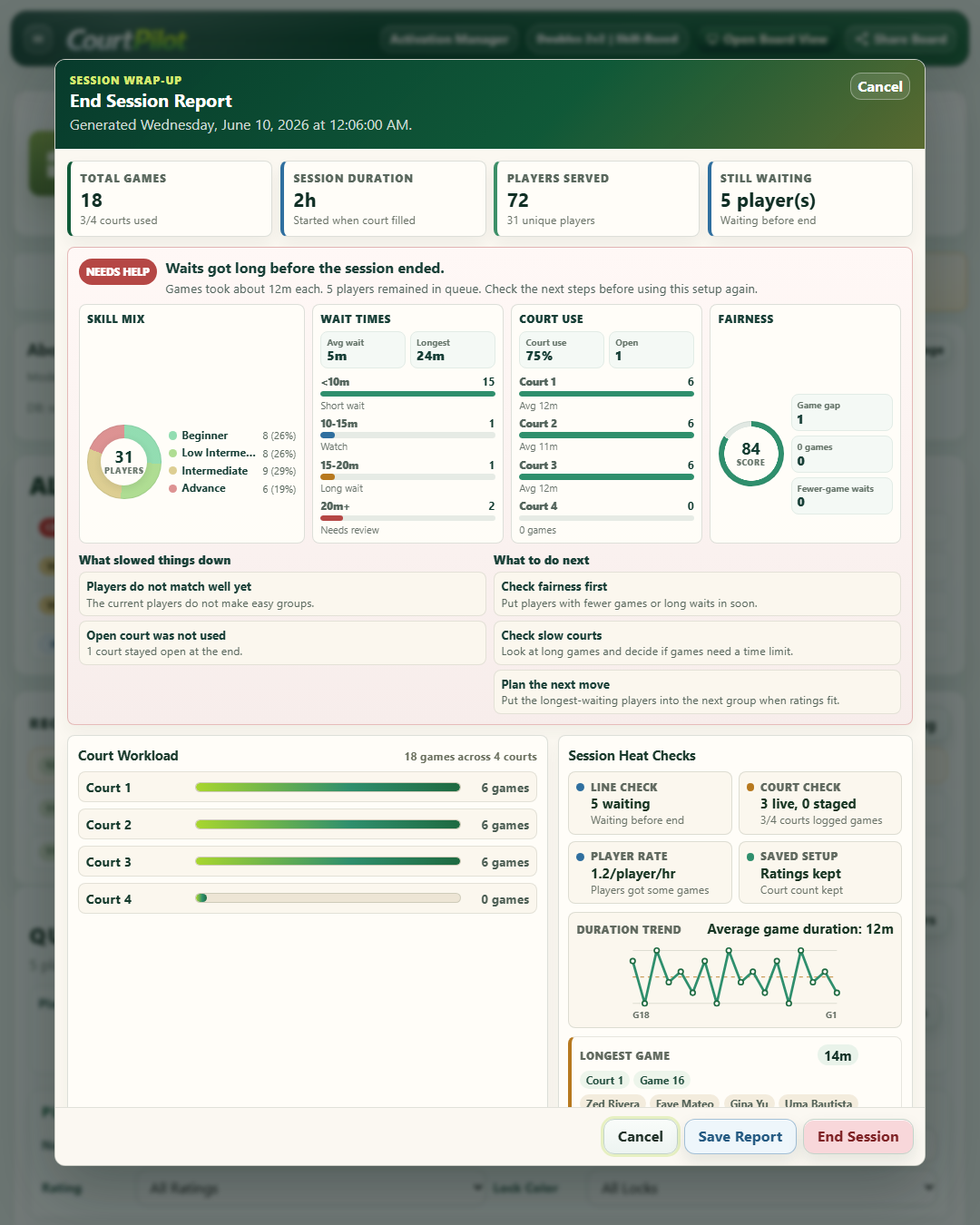
Close with the full picture.
Games, court workload, duration, and queue activity.
 Get started
From the first name in the queue to the last court booking.
A smoother day on court starts here.
Built for racket sports venues. Made for the people running them.

See how players move from check-in to court. Switch to Booking to explore the online experience.
Type one name, paste a list, or use saved Regular Players.
Use Auto Fill or make the practical move the floor needs.
Move the group onto court and keep the live timer visible.
Finish the game, then check players back into the queue.
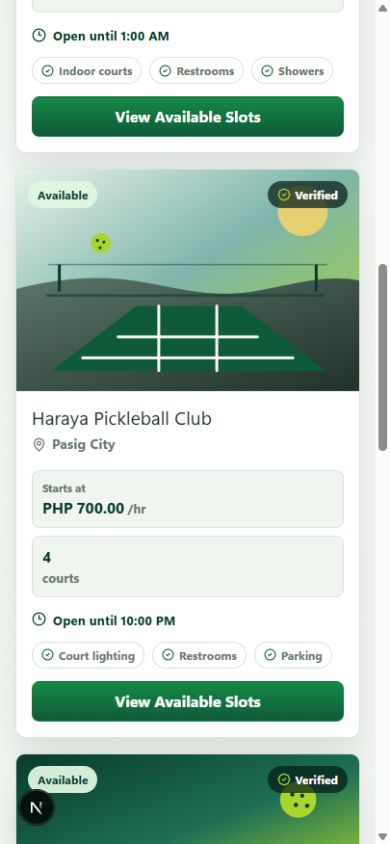
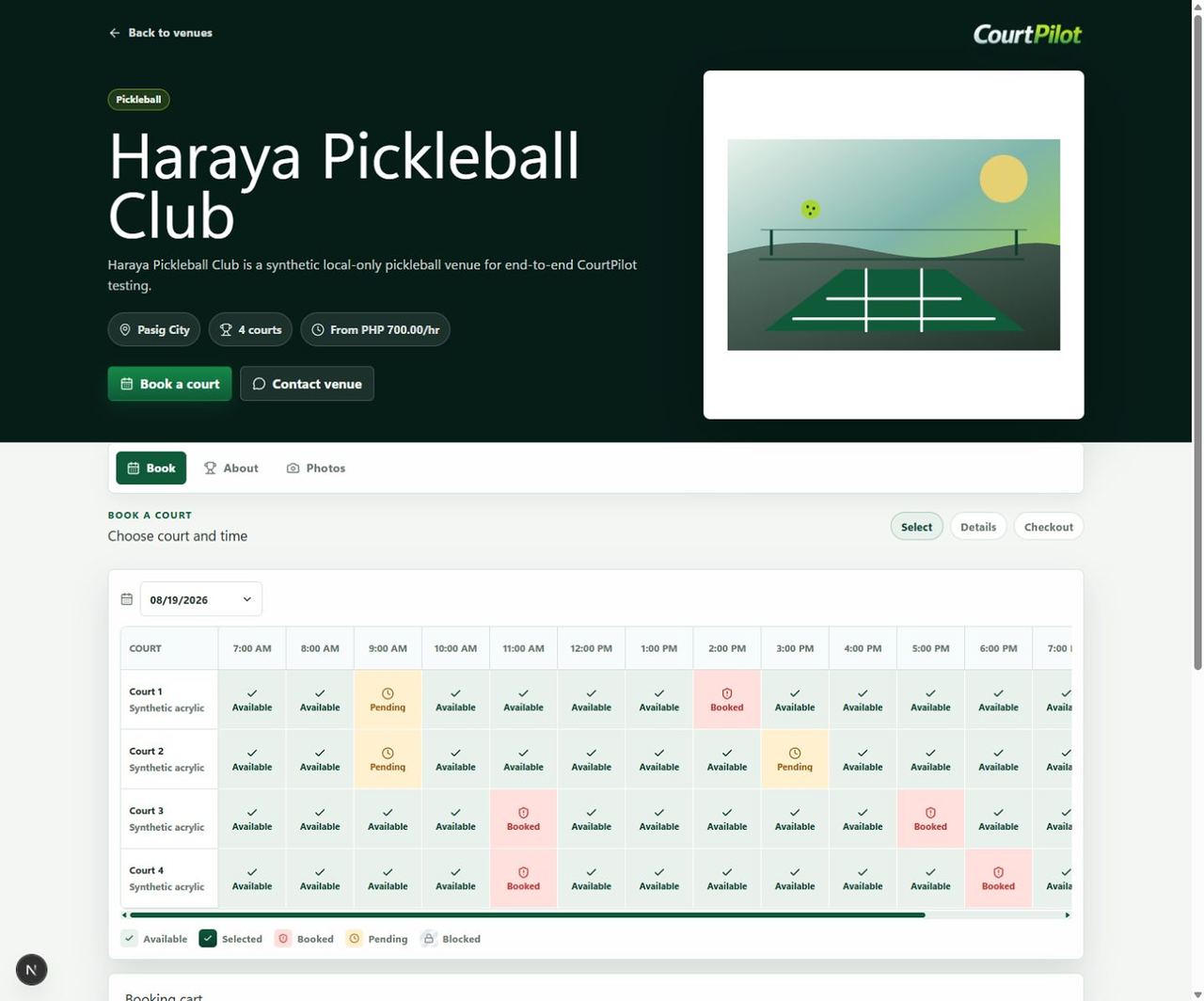
Let players discover your venue and find an available time. Keep the day’s bookings together in one clear calendar.
Explore CourtPilot Booking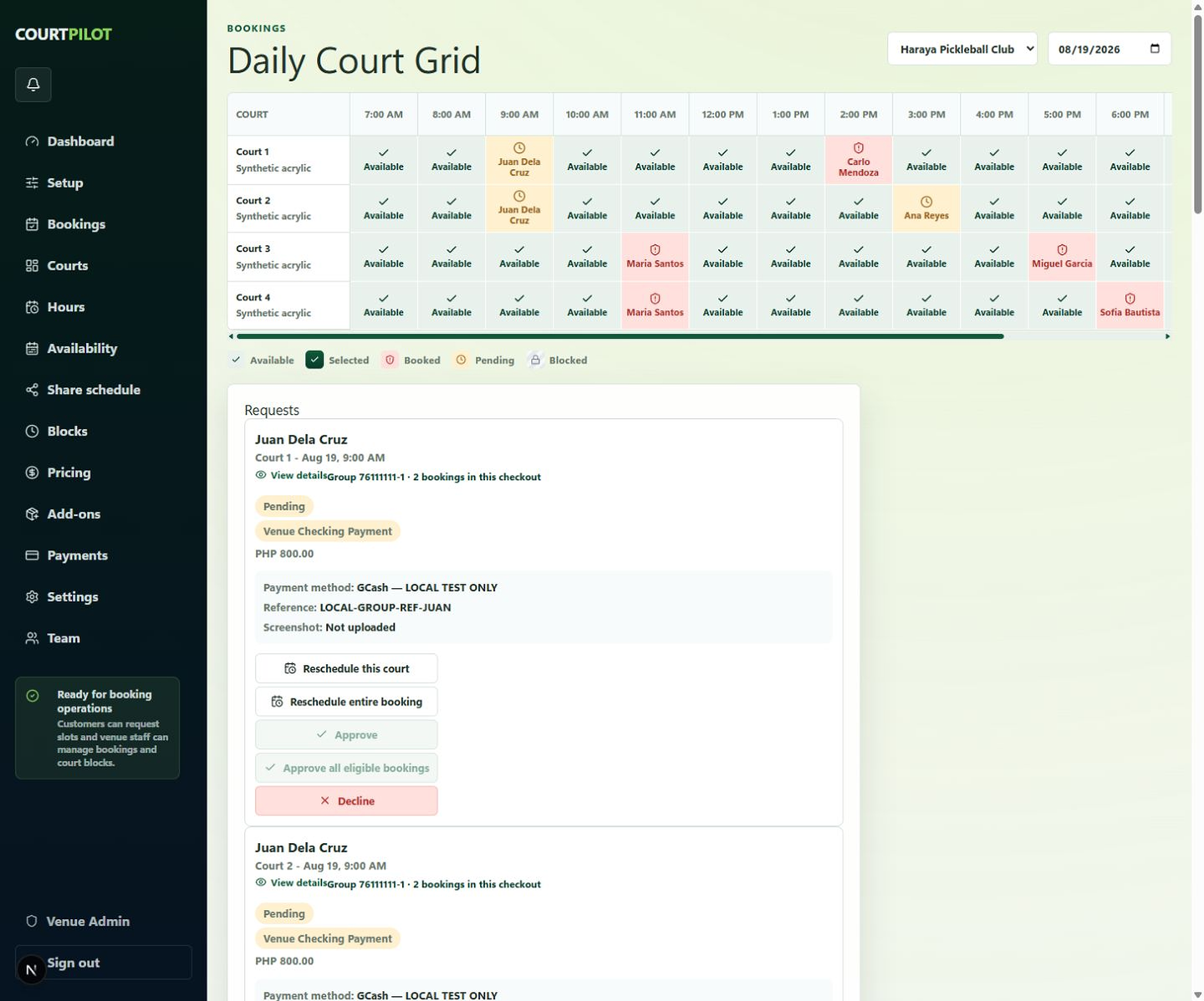
Active courts, next groups, and live timers. Give players a clear view on a TV or projector, while your staff stay in control at the desk.

Keep staff controls on your computer and session status on the display.
Share Board creates a private mobile link and QR code for the current session.
Activate online, then run court operations locally within your licensed offline window. Reconnect for license check-ins.
Follow the scores. Understand the wait. Close the day with a clear record of how it went.
Games, court workload, duration, and queue activity.

Rankings, match history, scores, and win rates.
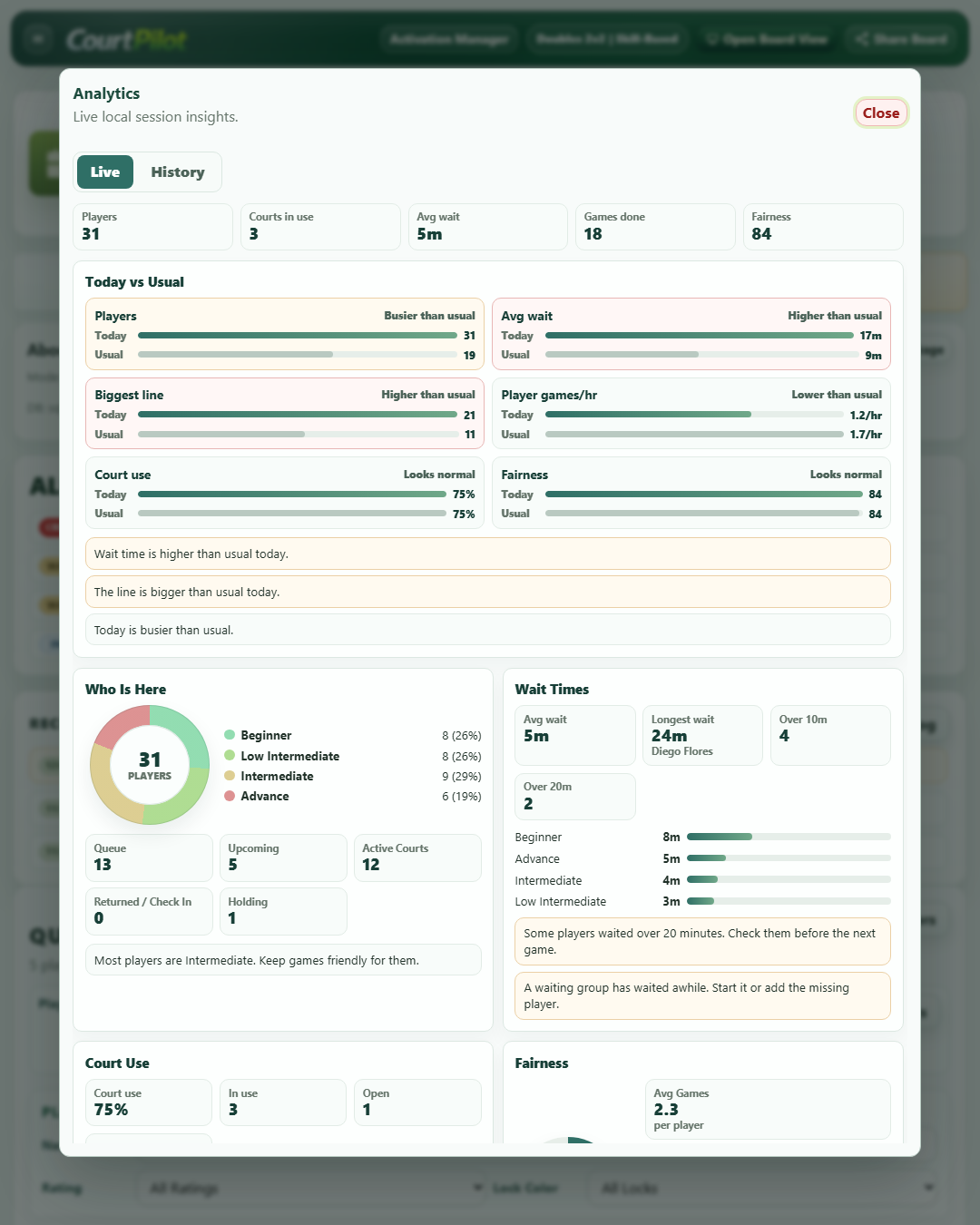
Wait times, completed games, and court use at a glance.
Doubles or Singles. Skill-Based, Casual, Competitive, or Win-Win / Lose-Lose. Choose how your session runs, with manual controls when the floor needs them.
Type a player, paste a list from notes or chat, or check in saved Regular Players. Keep Queue, Holding, Returned, and Upcoming Groups together.
Queue data, Regular Players, and Session History live on the venue computer. Export a Support Package with session files and logs when you need help.
Add names, paste a list, build a group, start Court 1, finish the game, then check the players back in. This sample stays inside your browser and does not send names anywhere.
Try the core experience, then choose the access and support your venue needs. Contact us for current plan options and pricing.
Get a feel for a smoother open-play day.
Ongoing access, updates, and support.
| Feature | CORE ACCESS Free Trial + Starter Access | SUBSCRIPTION |
|---|---|---|
| ACCESS | ||
| Best for | Basic open-play queue management | Active access, updates, and support |
| Access setup | Free Trial and Starter Access | While the plan is active |
| Queue Master dashboard | Included | Included |
| Player queue and holding area | Included | Included |
| Upcoming groups | Included | Included |
| Active courts | Included | Included |
| Returned players list | Included | Included |
| Auto Fill for group creation | Included | Included |
| Start / Finish Game flow | Included | Included |
| Court timers | Included | Included |
| Player ratings | Included | Included |
| Ready and hold status | Included | Included |
| Manual queue controls | Included | Included |
| Drag-and-drop movement | Included | Included |
| Group lock / lock color | Included | Included |
| Player search and filters | Included | Included |
| Game count tracking | Included | Included |
| Live waiting timers | Included | Included |
| Board View / TV Mode | Included | Included |
| Basic end-session report | Included | Included |
| Competitive Mode leaderboards | Included | Included |
| Match and session history | Included | Included |
| Multiple session modes | Included | Included |
| Regular players list | Included | Included |
| Local session saving | Included | Included |
| Approved device | 1 approved device | 1 approved device |
| Live session analytics | Not included | Included |
| Session history analytics | Not included | Included |
| Advanced end-session report | Not included | Included |
| Next session player preparation | Not included | Included |
| Paste Player List | Not included | Included |
| Competitive player insights | Not included | Included |
| Eligible fixes | Not included | Included |
| Eligible updates | Not included | Included |
| Latest supported CourtPilot version | Not included | Included |
| Basic update guidance | Not included | Included |
| Priority remote support | Not included | Included |
One approved device. CourtPilot confirms final inclusions before setup.
Try CourtPilot for 7 days during real open play. Share a few details and we’ll help you get set up. No obligation after the trial.